WalkFirst · App Blocker
Walk to unlock your apps
Your most distracting apps stay locked until you hit your daily step goal. Every step earns screen time.
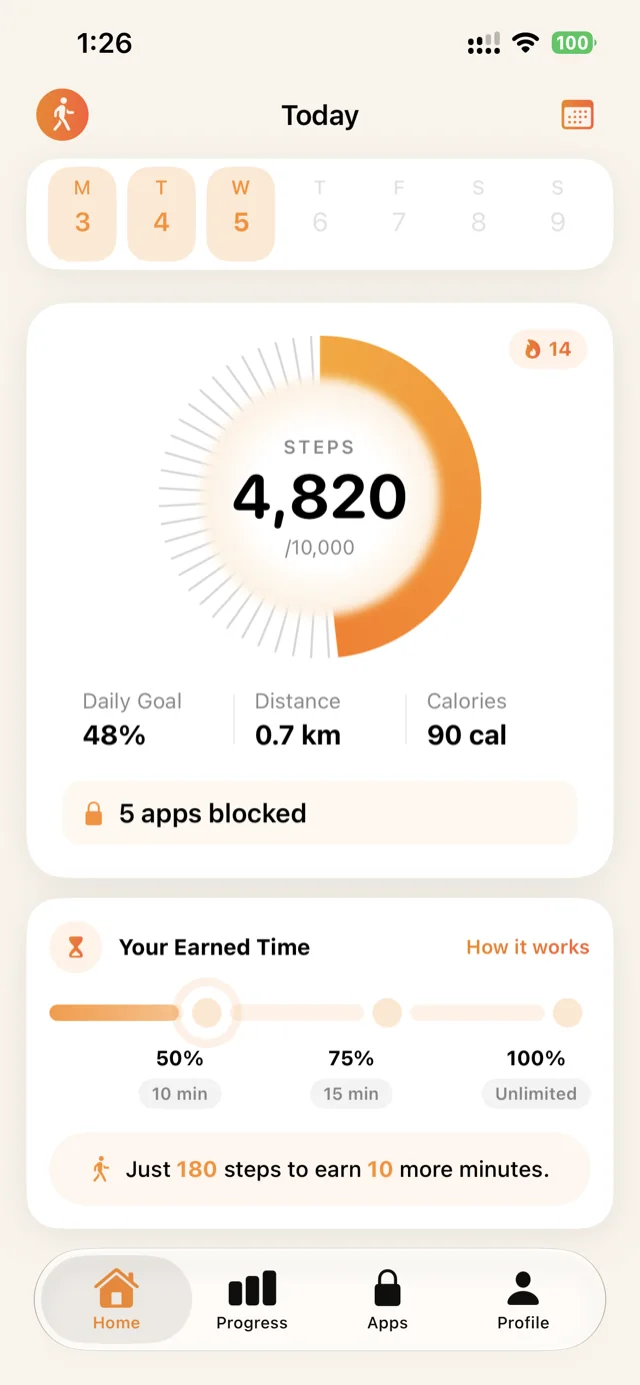
Your most distracting apps stay locked until you hit your daily step goal. Every step earns screen time.
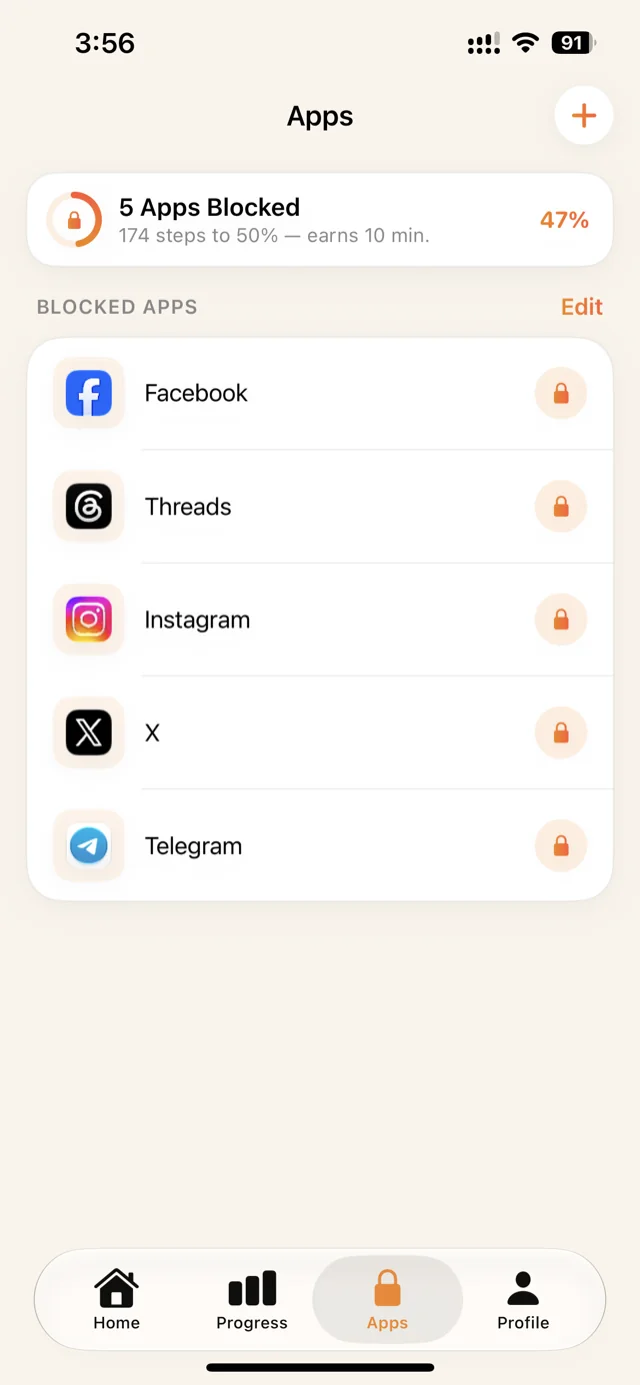
Choose the apps that steal your time — social, video, games. WalkFirst locks them with Apple's Screen Time framework.
Pick a daily goal that fits your life. Steps sync automatically from Apple Health — no manual logging.
Hit 50% of your goal and earn 10 minutes. 75% earns 15. The app tells you exactly how many steps buy your next unlock.
Reach your full goal and your apps are yours for the rest of the day. Tomorrow, the walk starts again.
Block Instagram, X, TikTok — any app you choose. The list shows exactly what's locked and how many steps buy your next unlock: "174 steps to 50% — earns 10 min."
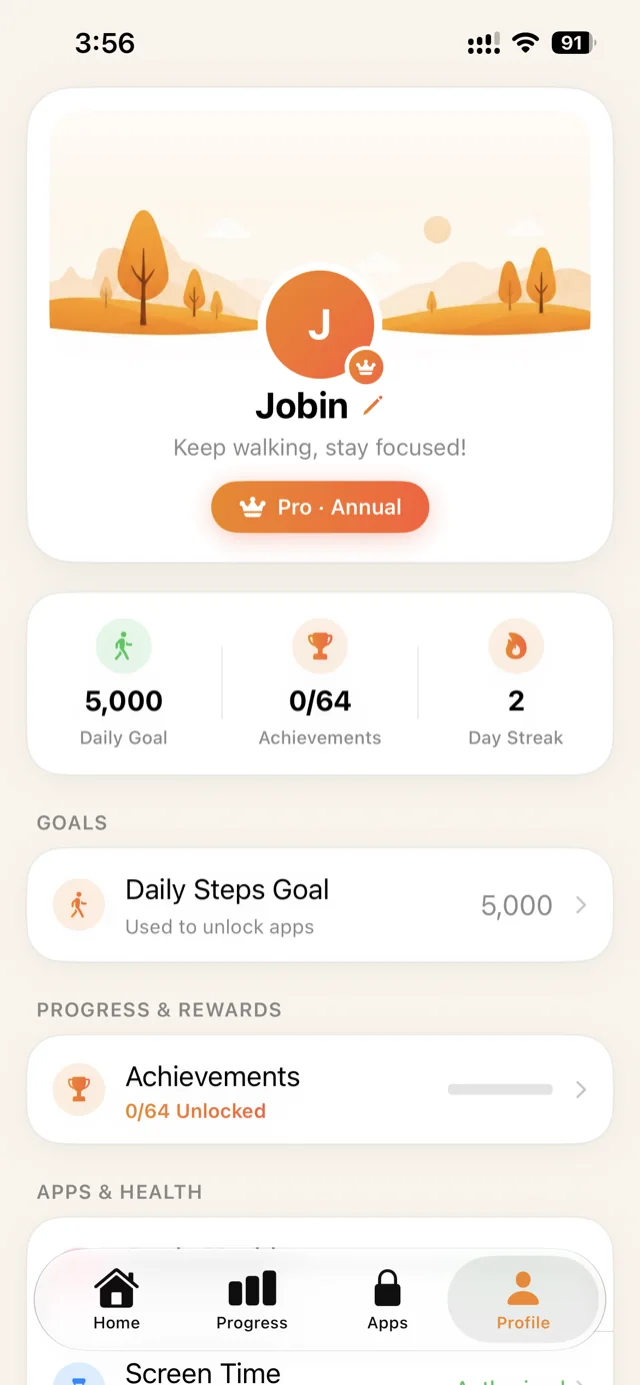
Set a daily step goal that fits your life. Keep your streak alive, chase achievements, and adjust everything — goal, blocking schedule, units — in seconds.
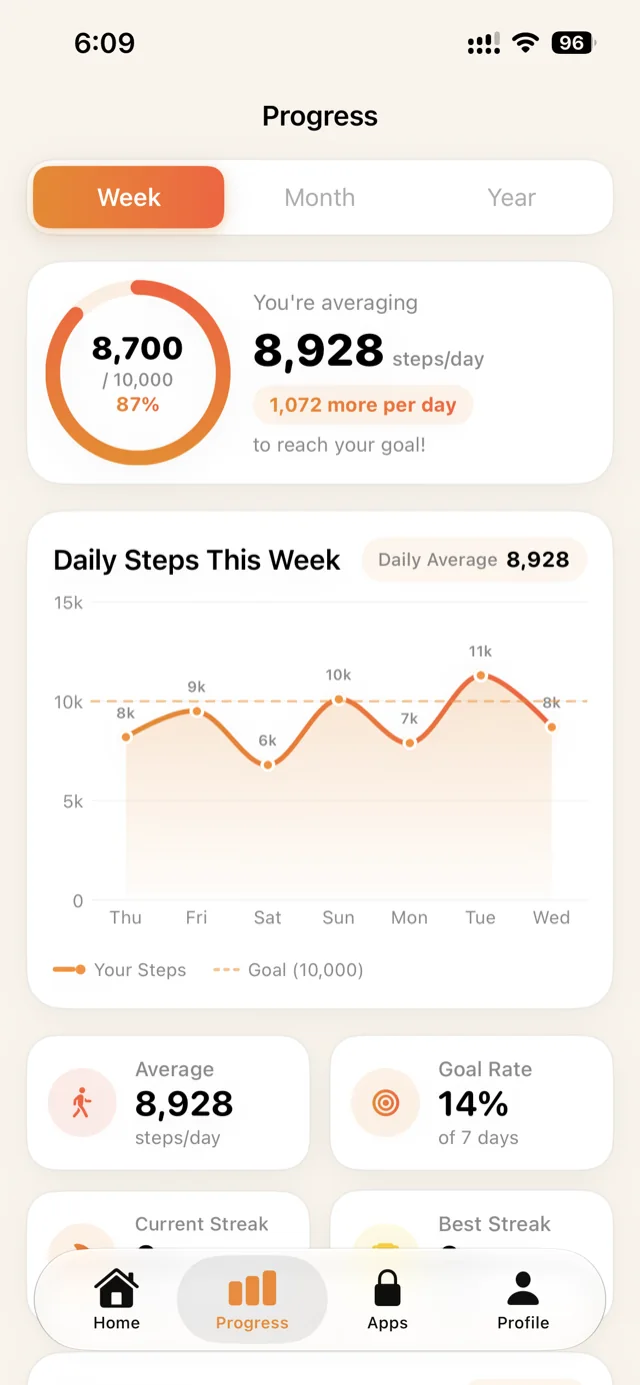
Weekly, monthly and yearly charts with daily averages, goal rate, and personal bests. Watching the average climb is half the motivation.
Steps come from Apple Health. Blocking runs through Apple's Screen Time. There's no account, no server, and your data never leaves the device.
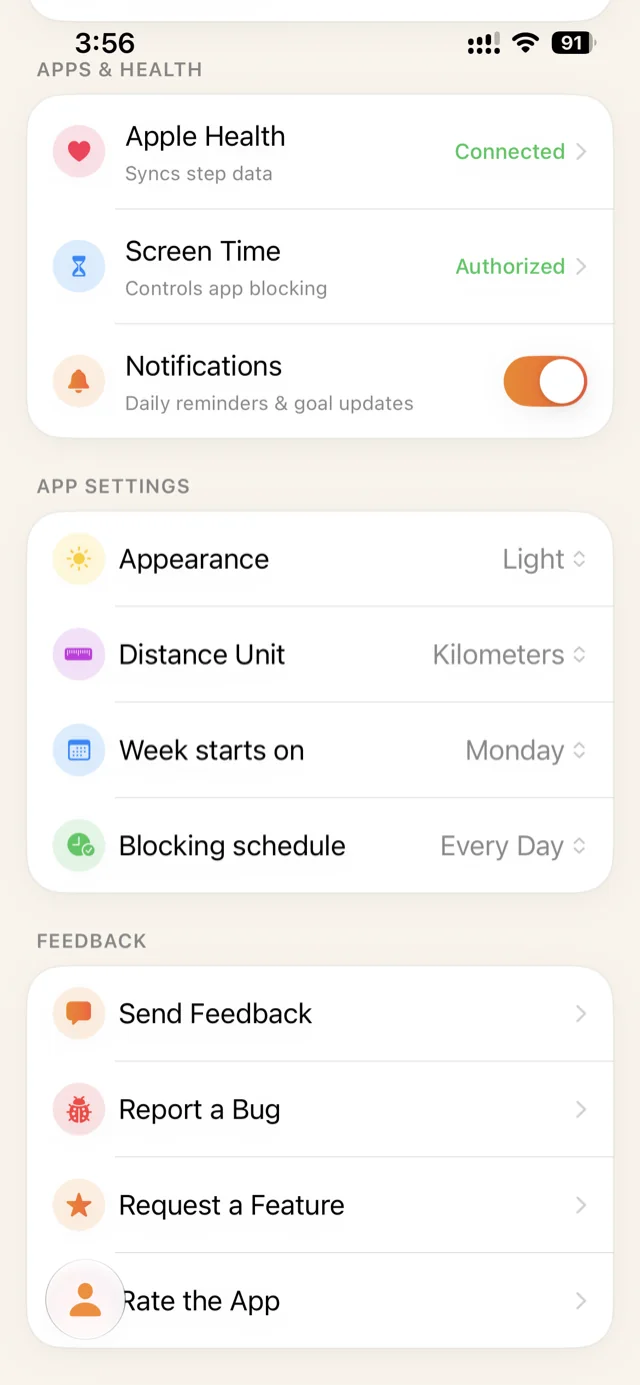
Free to download, with an optional Pro subscription. Your steps never leave your iPhone.